| Concordance Screens |
| These are the screens used to set up build concordances, as well as look at various properties of the concordance including profiles. |
| |
| Concordance Utility Window, Main List |
|
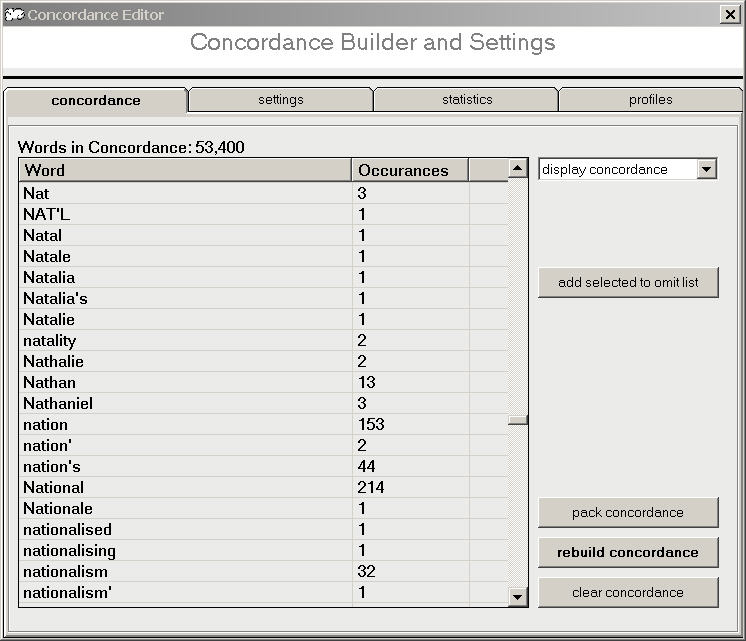
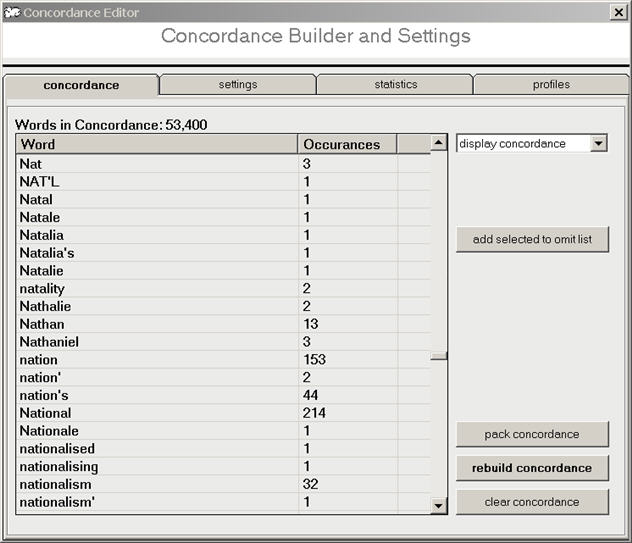
| shows the first tab of the concordance utility, which displays the concordance word list and the controls for clearing, packing, and rebuilding the concordance, as well as removing words. |
| |
| Concordance Utility Window, Settings |
|
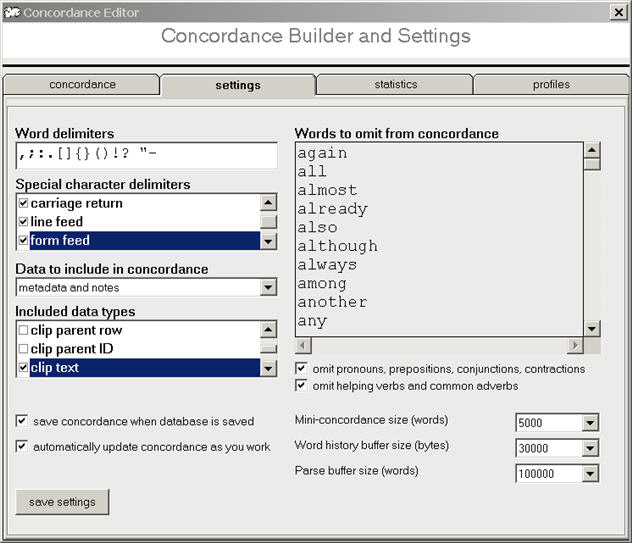
| shows the settings tab of the concordance utility, which displays the various concordance settings: word delimiters, stop word list, internal buffer settings (for performance tweaking), and other settings. |
| |
| Concordance Utility Window, Statistics |
|
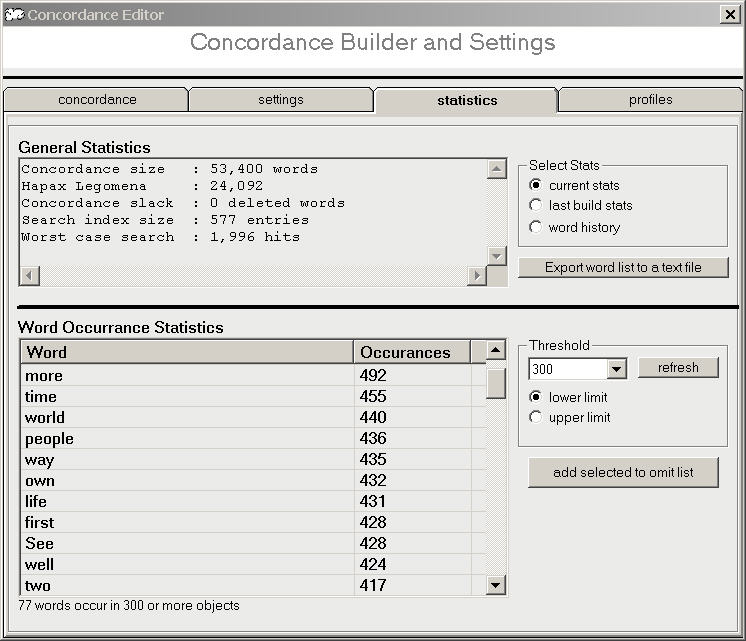
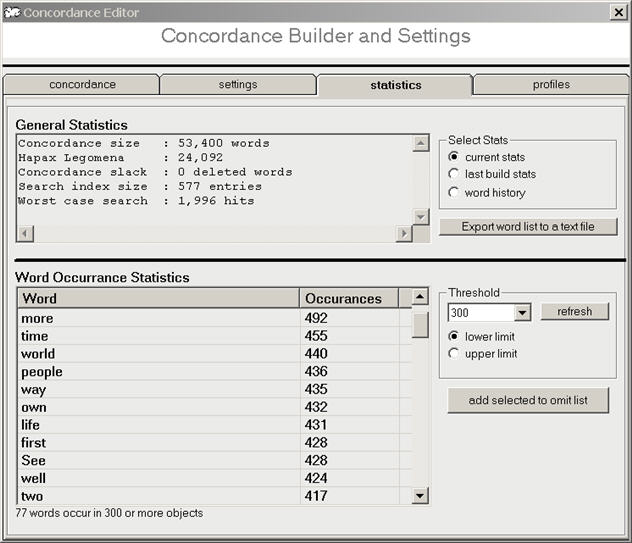
| shows the statistics tab of the concordance utility, which displays various stats about the concordance: word and index counts, build results, add/delete word history. |
| |
| Concordance Utility Window, Profiles |
|
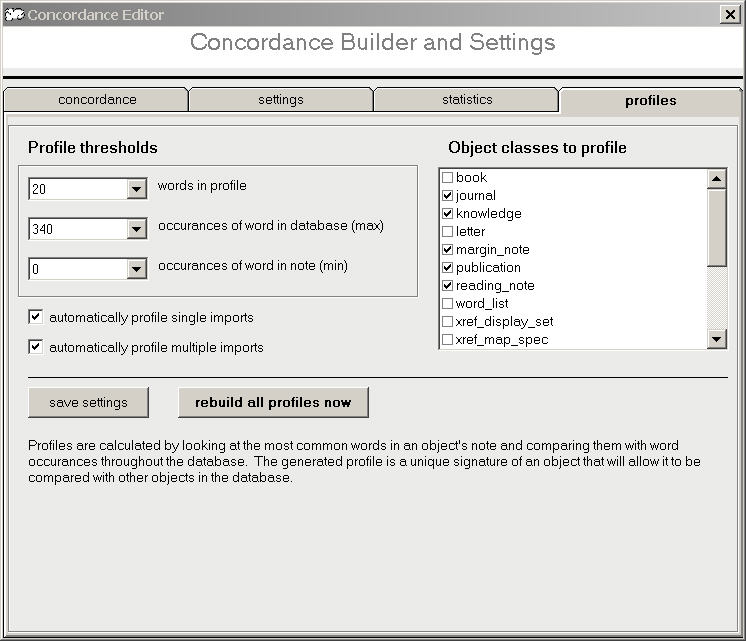
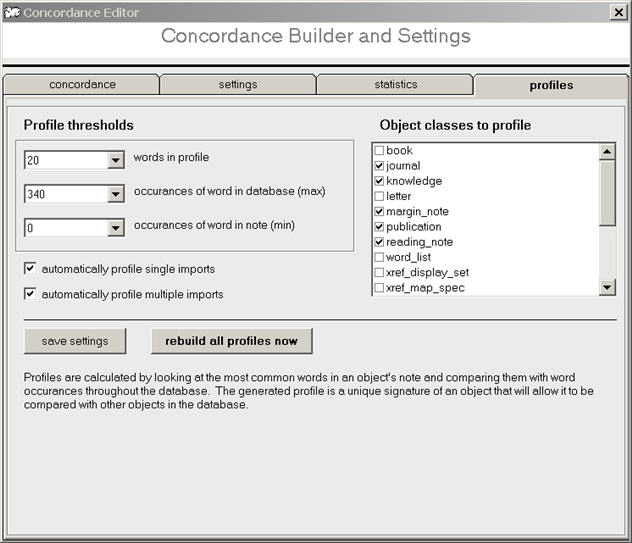
| shows the profiles tab of the concordance utility, which allows you to define profile parameters and generate object profiles. |
| |
|
|